What Chat does
Chat researches before it answers. When you send a question, PhysioKeys searches its library of physiotherapy and rehabilitation research, reads the studies that fit, and writes a reply that cites them. Every claim points to a paper you can open.
It answers from that evidence only. When the library holds nothing that supports part of a request, the reply says so instead of filling the gap from general knowledge. A gap you can see is one you can do something about.
Use it for physiotherapy, physical therapy and rehabilitation work: explaining what the evidence says, comparing interventions, building a table, or drafting information for a patient. To browse the studies yourself instead, use Search.
Ask your first question
- Open Search and choose the Chat tab at the top.
- Type your question in the message box. Write it the way you would ask a colleague; there is no special syntax to learn.
- Select Send. Chat shows its progress while it researches, then writes the reply.
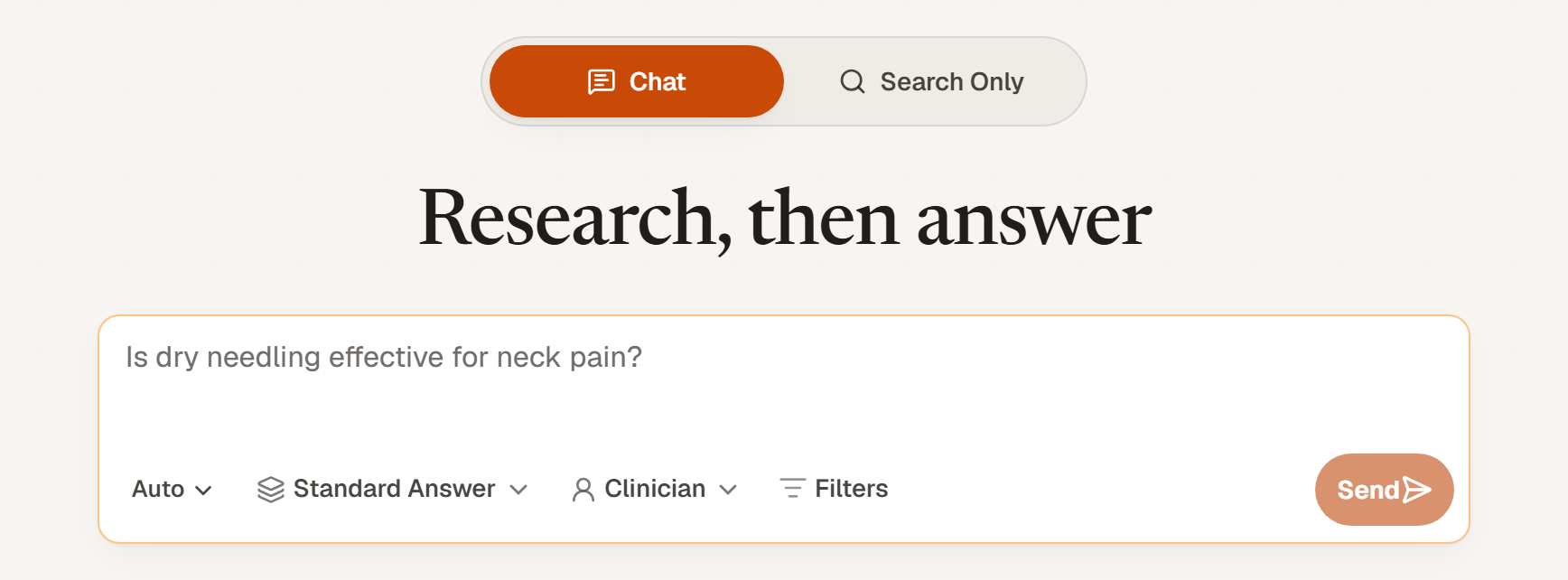
You can try it without an account: signed-out visitors get 3 researched replies. Sign in to keep going and to keep your conversations.
Questions that find the best evidence
- Name the condition and the intervention. “Eccentric loading for Achilles tendinopathy” finds more than “tendon exercises”.
- Say who the patients are when it matters, such as older adults, athletes or children.
- Say which outcome you care about, such as pain, function or return to sport.
- Describe cases in general terms. Leave out names, dates of birth and anything else that identifies a patient.
Choose how the reply is laid out
The first control under the message box sets the shape of the reply. It starts on Auto, which picks for you.
- Auto
- Writing tasks, such as a table, a summary, an outline or patient information, come back as a conversational reply. A request for a full evidence or literature review comes back as a structured Answer.
- Chat
- A reply as long as the task needs, from one paragraph to a full table, with citations in the text.
- Answer
- The full evidence dossier: a structured answer, an Evidence Snapshot of the studies behind it, and the reference list beside it.
Both layouts read the same evidence and cite it the same way. Only the shape of the reply changes.
Choose how much evidence it reads
Depth decides how many studies Chat screens before it writes. Deeper replies read more and use more AI credits.
| Depth | What it does | Credits | Plans |
|---|---|---|---|
| Standard Answer | Fast answer from focused evidence | 35 | All plans |
| Deep Answer | Screens up to 30 articles for a deeper clinical answer | 70 | Student and Pro |
| Evidence Review | Screens up to 50 articles for a mini evidence review | 135 | Pro only |
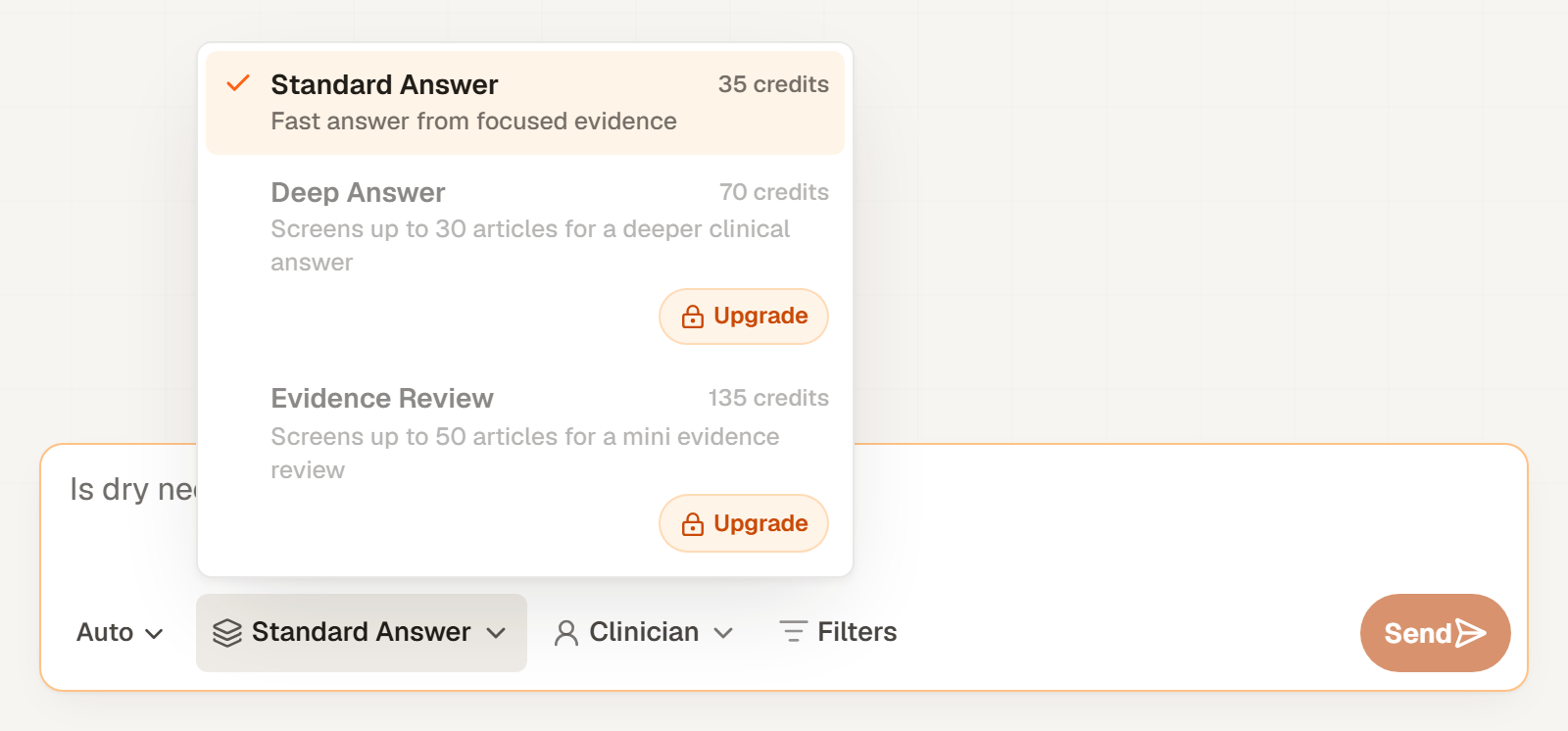
With the layout on Auto, choosing Evidence Review also switches the reply to a structured Answer.
Choose who it writes for
The audience control changes how the reply is written.
- Clinician
- Decision-ready answers: what to use, dosing, monitoring.
- Student
- Plain-language answers that explain terms and study designs.
- Researcher
- Effect sizes, study quality appraisal, and research gaps.
To start every question on the same audience, set Default answer style in Account. You can still change it for any single question.
Narrow the evidence
Select Filters to limit which studies Chat may use:
- Study design, such as systematic reviews, meta-analyses, randomised controlled trials, clinical trials, observational studies, scoping reviews, narrative reviews or practice guidelines.
- Recency: the last 5 years, last 3 years or last 2 years, or exact years or dates.
- Sources: open access only, or specific journals.
- Journal impact, a signal about the journal. It says nothing about the quality of an individual study.
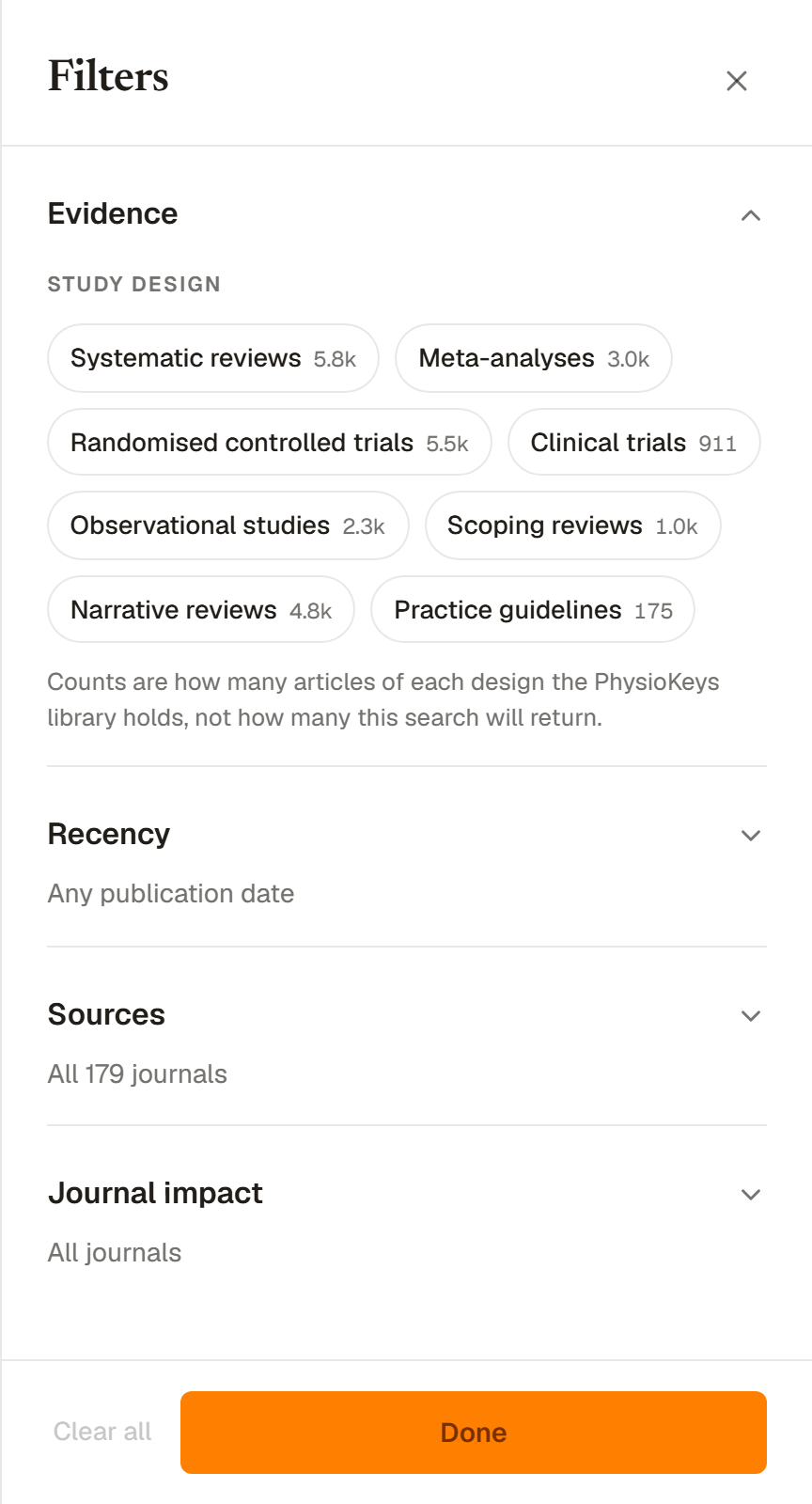
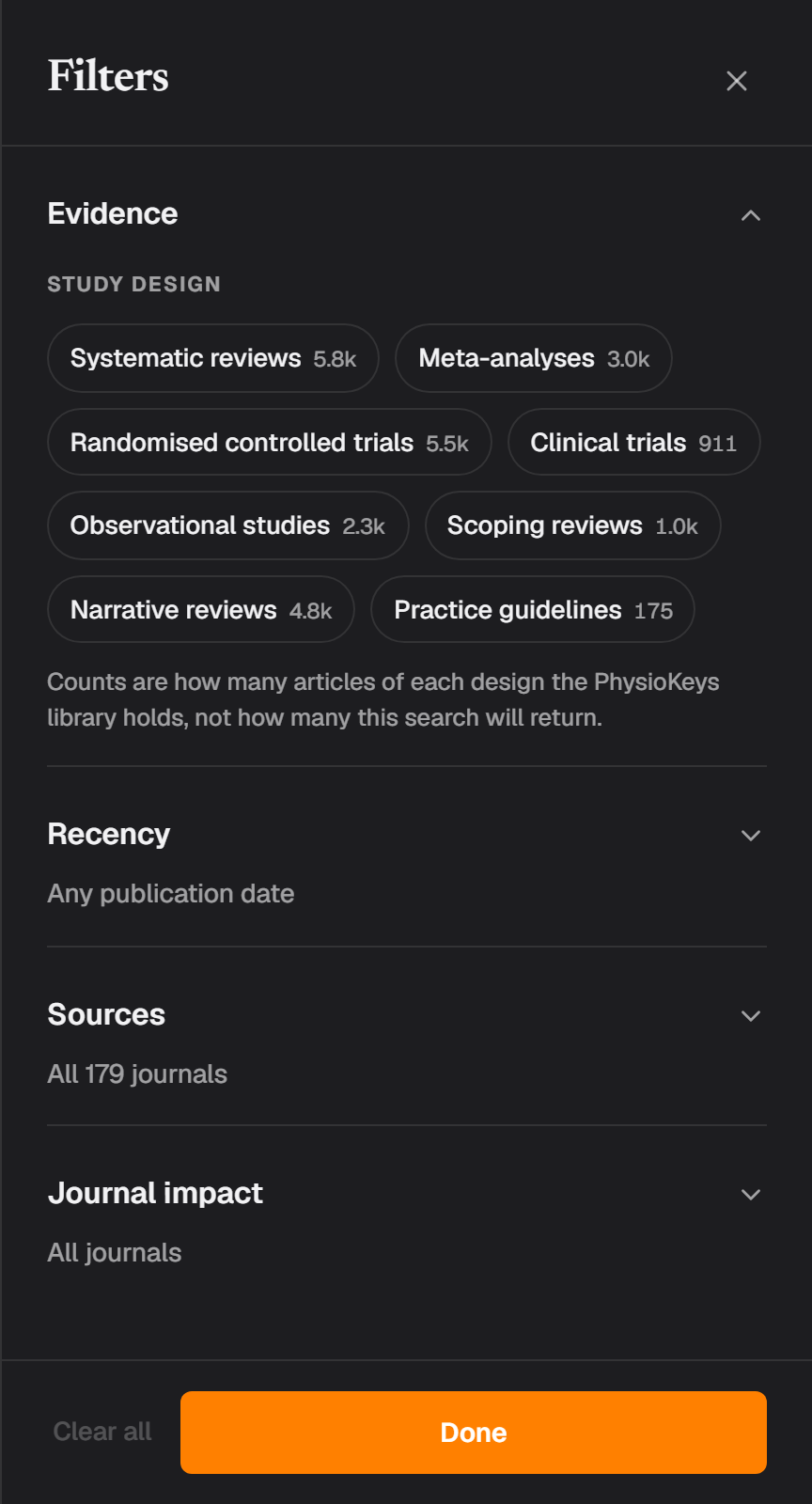
Choose Done to keep your choices. They apply to your next question, and setting them never uses credits. A reply built under filters says so, and says plainly when the filters left less evidence than usual.
Changing a filter part-way through a conversation makes the next reply gather fresh evidence, because studies found under one scope cannot answer a question asked under another. Chat and Search share the same filters, so a scope you set in one carries over to the other.
Read the reply and check the sources
The numbers in a reply are citations. Select one to open the references and jump to the study it refers to.
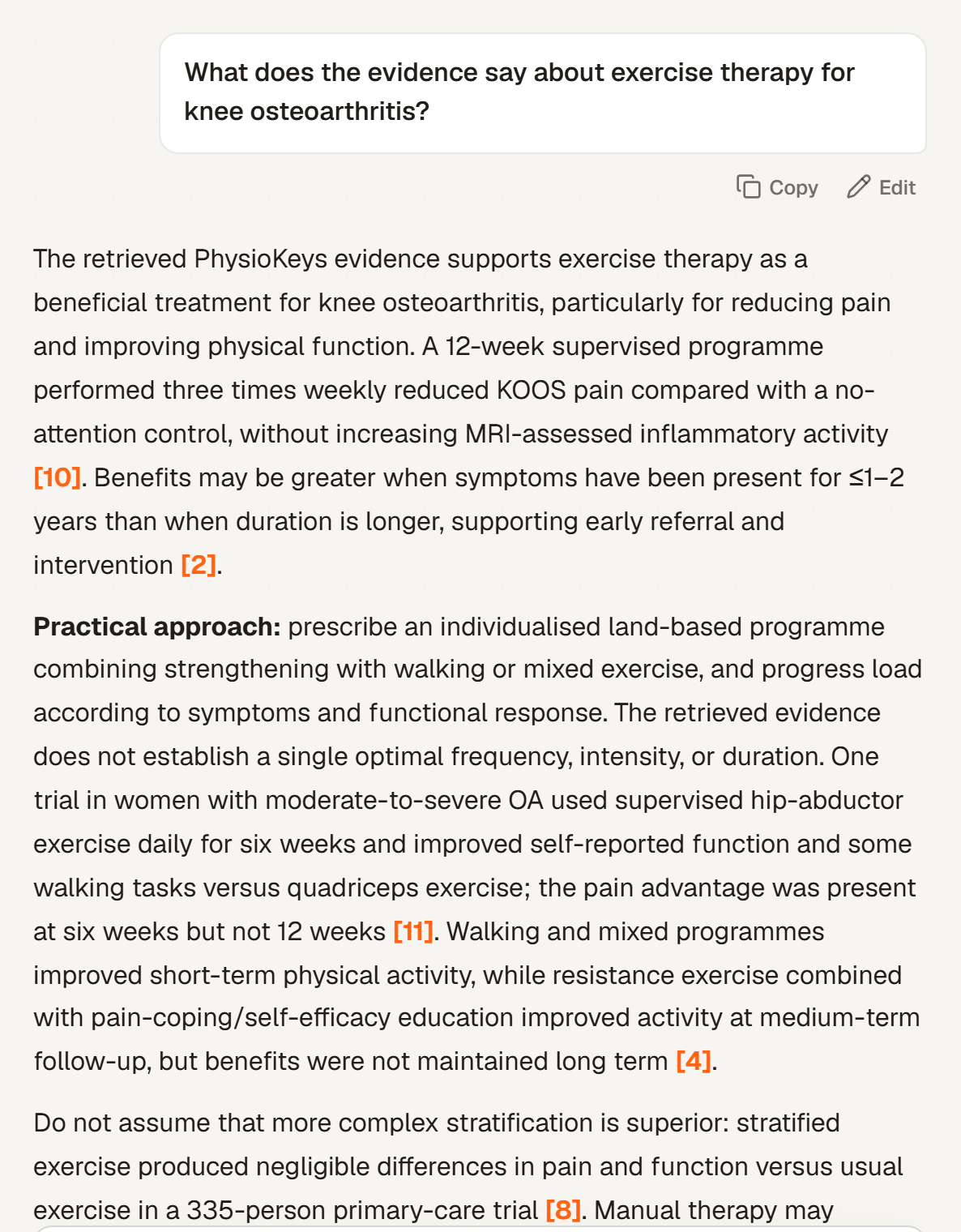
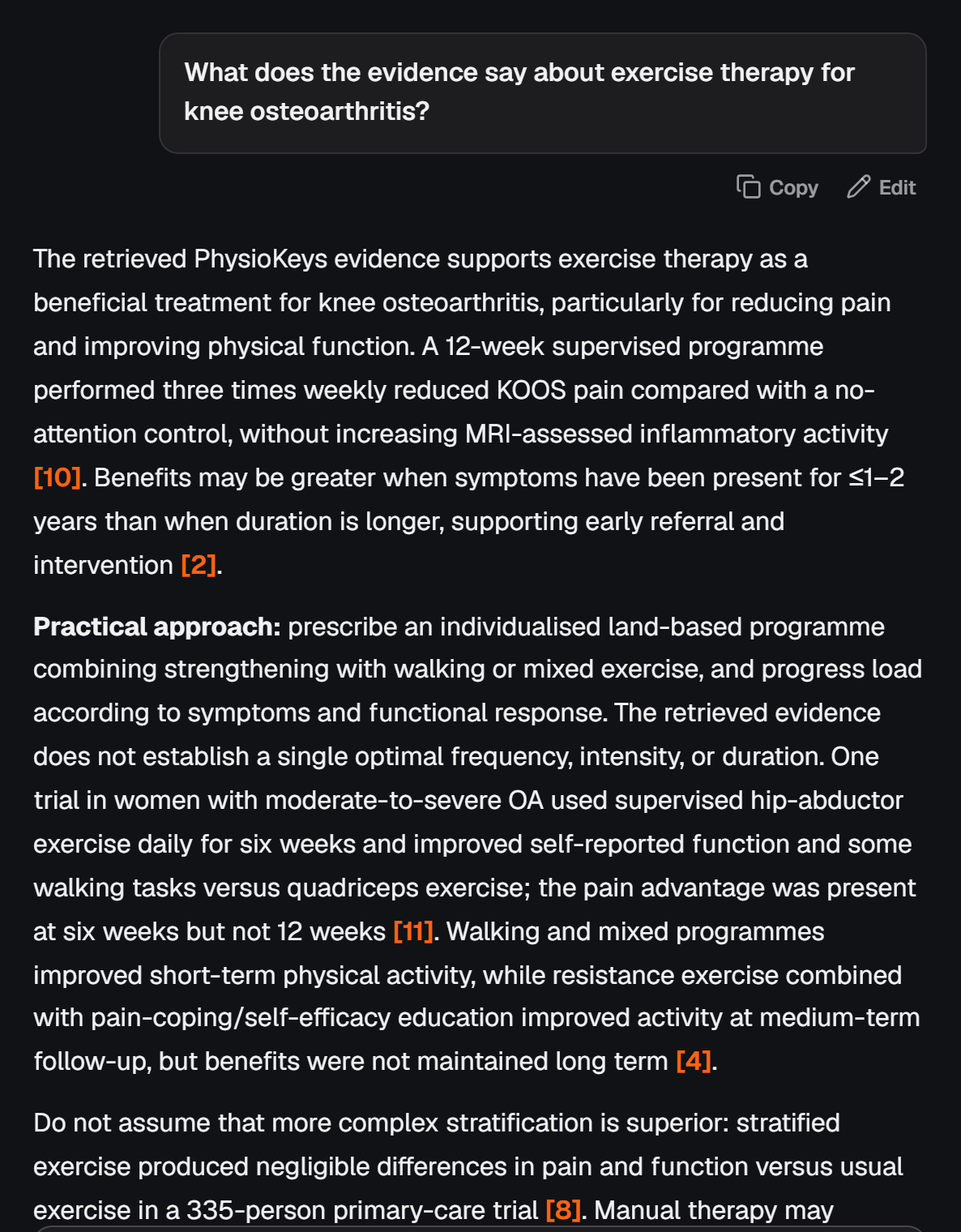
Under the reply, two panels show the evidence behind it: Evidence snapshot, the studies used and what they found, and Evidence quality used, the designs and directness of that evidence. They open by themselves for questions about whether something works, and stay folded for writing tasks. Open or close either whenever you like.
When Chat finds no usable evidence, it shows no quality rating at all, rather than one that could mislead.
Follow up, edit or regenerate
Keep asking in the same conversation. When a follow-up stays on the same topic, Chat reuses the evidence it already found. When the topic moves, it searches again for what the new question needs.
You can edit your latest question, or select Regenerate under the latest reply. Regenerating runs the research again, so it uses credits like a new question. Copy copies the reply as text.
Signed in, every conversation is kept in History, where you can reopen it.
Save a reply to a note
Select Save to note under a reply to add it to a note in your Notebook. Tables arrive as editable tables and citations stay linked to their references, so the note keeps its evidence trail.
What it costs
Chat uses AI credits. Searches in Search come out of a separate search allowance, so using one never uses up the other.
| Plan | AI credits | Depths |
|---|---|---|
| Free | 750 in total | Standard Answer |
| Student | 7,000 a month | Standard Answer, Deep Answer |
| Pro | 15,000 a month | Standard Answer, Deep Answer, Evidence Review |
At 35 credits each, the Free plan covers about 21 Standard Answer replies. Student and Pro plans can buy more credits. See Pricing for current prices.