What a saved search does
A saved search is a search you keep. PhysioKeys stores the recipe — the query, the source, every filter and the sort order — so you can run it again later against the research available then, without rebuilding it.
Turn on its alert and PhysioKeys runs it for you. When research that matches is added to the library, it emails you. Nothing matches most days, and on those days nothing is sent.
That covers the part of the job that never really ends:
- Keeping current in your area, without setting a monthly reminder to search the same thing again.
- A dissertation or review in progress, where a trial published while you write still has to be in it.
- A question a patient or colleague raised that had no good answer yet — save it, and hear when one arrives.
- A journal club or teaching topic you need fresh papers for each time it comes round.
Alerts are off unless you turn them on, and a saved search is private to your account.
Save a search
- Run a search in Search and get the results roughly right first — the filters you set are saved with it. The Search guide covers those controls.
- Select Save search above the results.
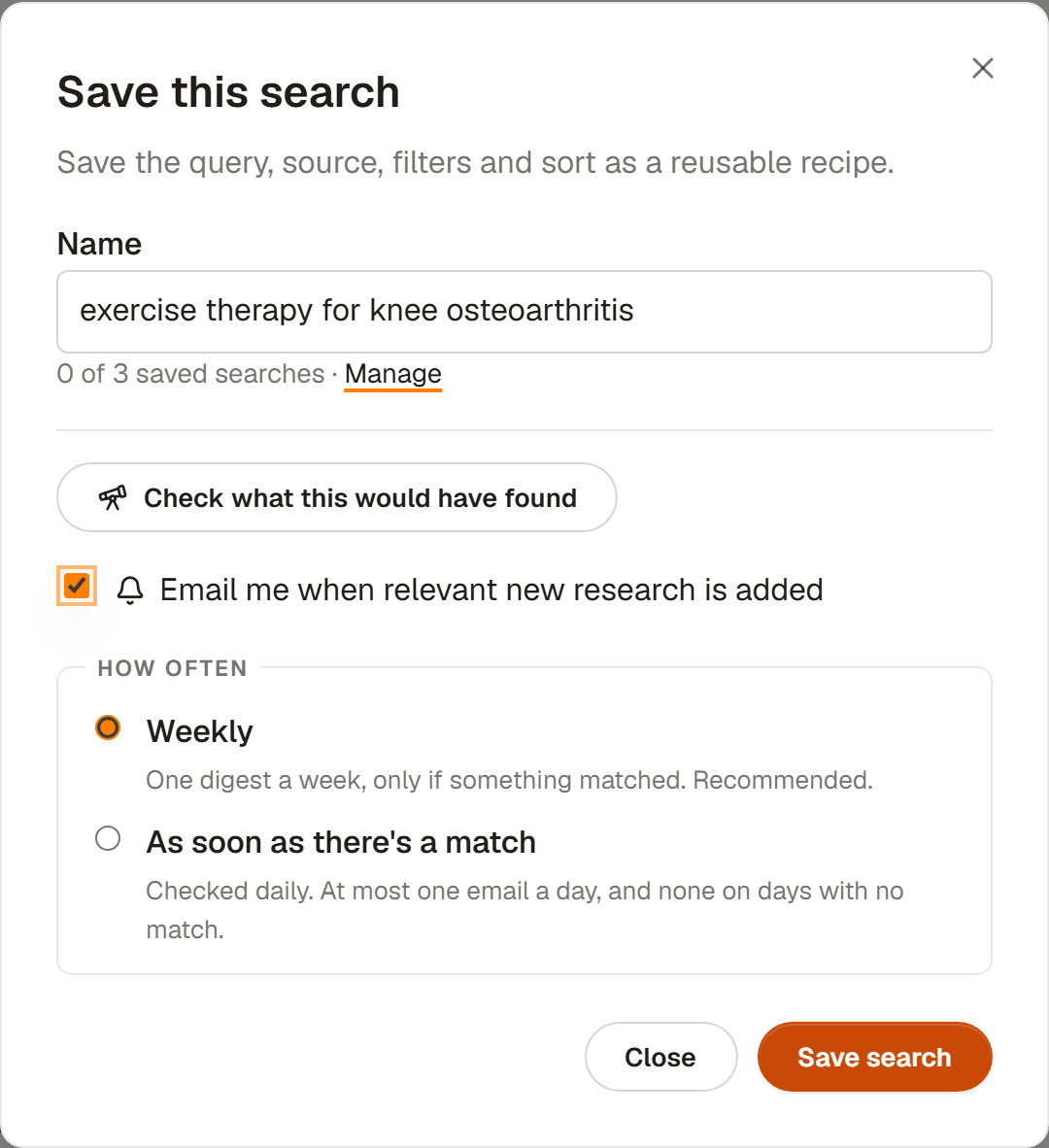
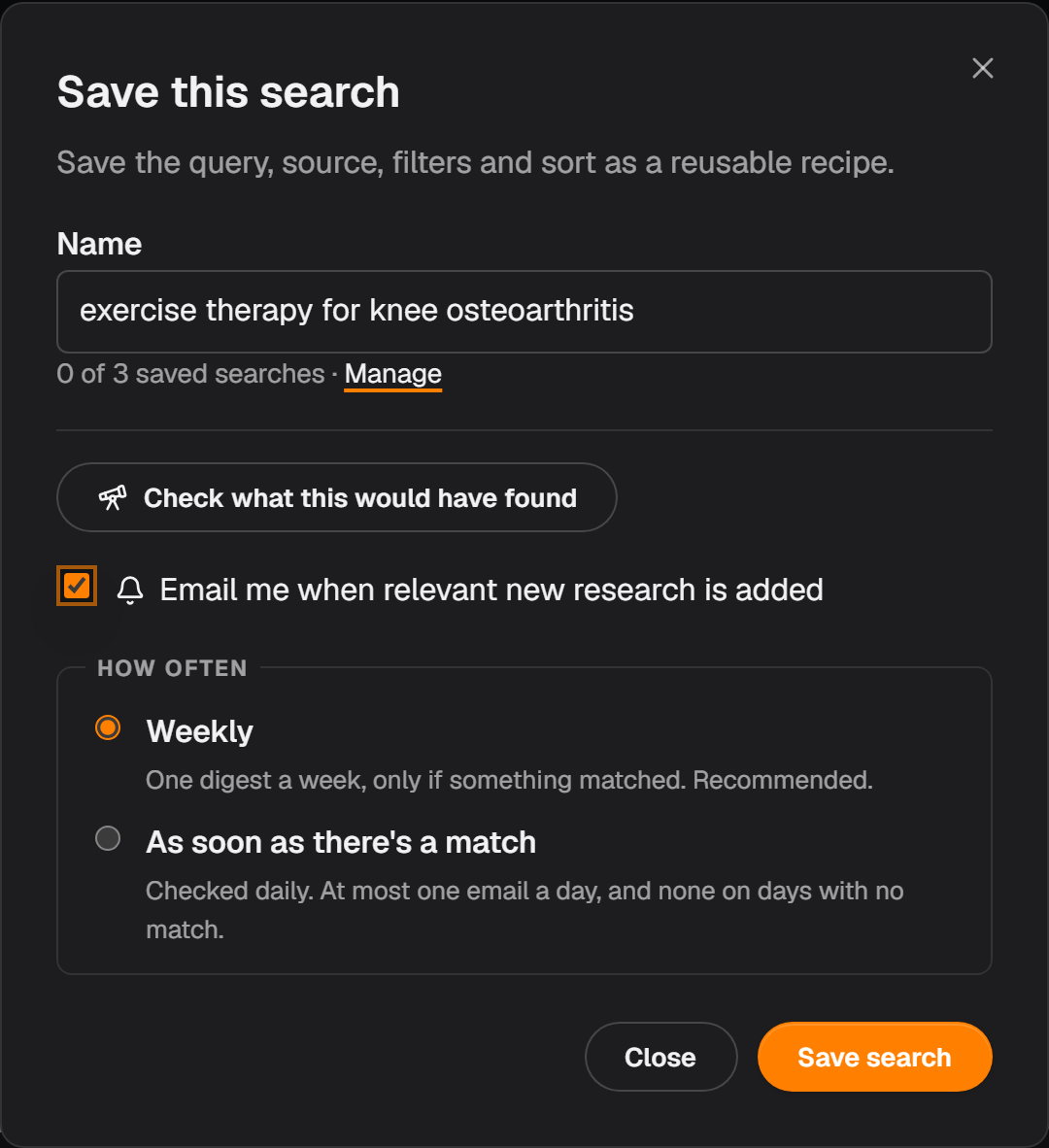
- Give it a name. PhysioKeys suggests one from your query, and you can rename it later.
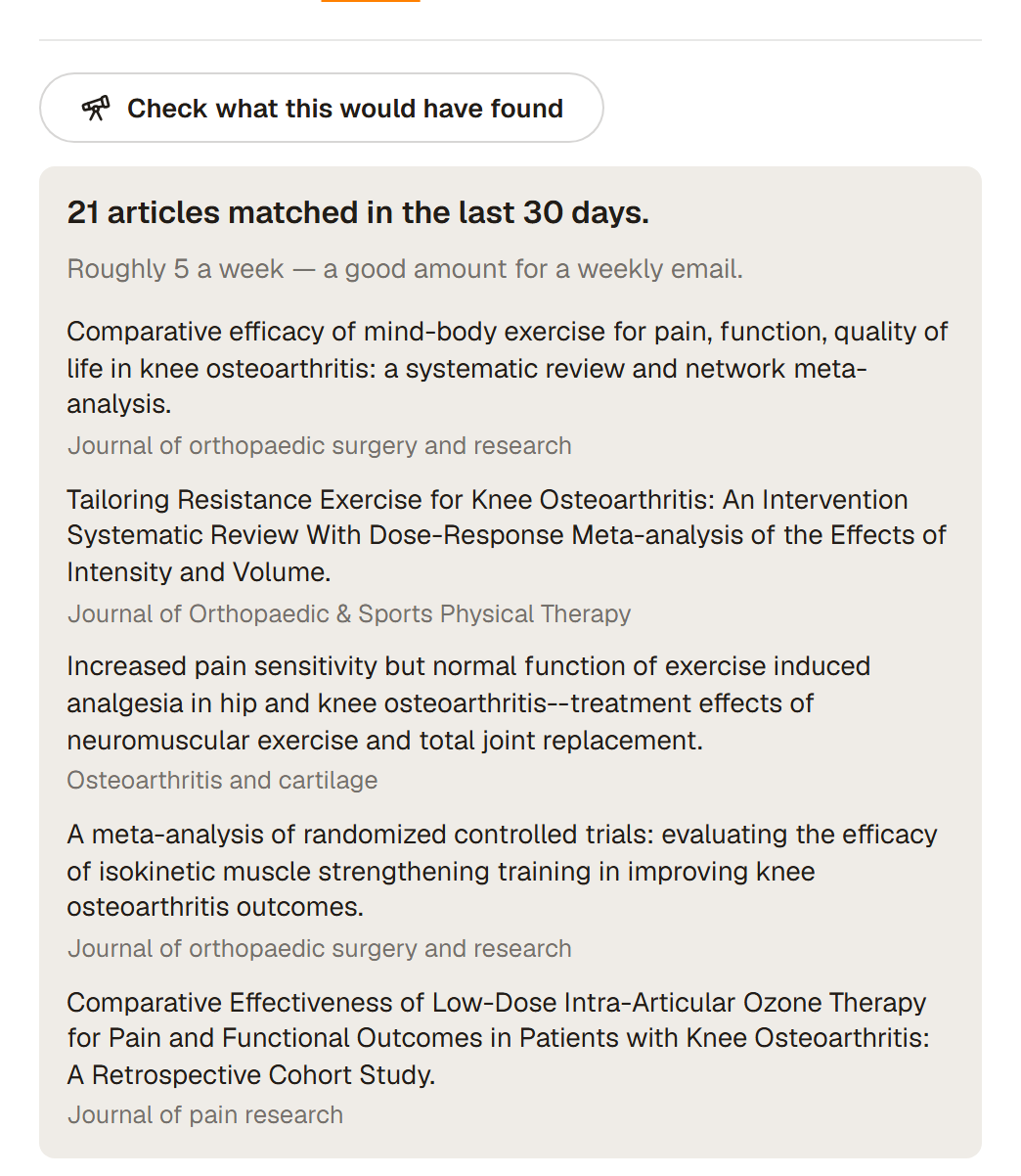
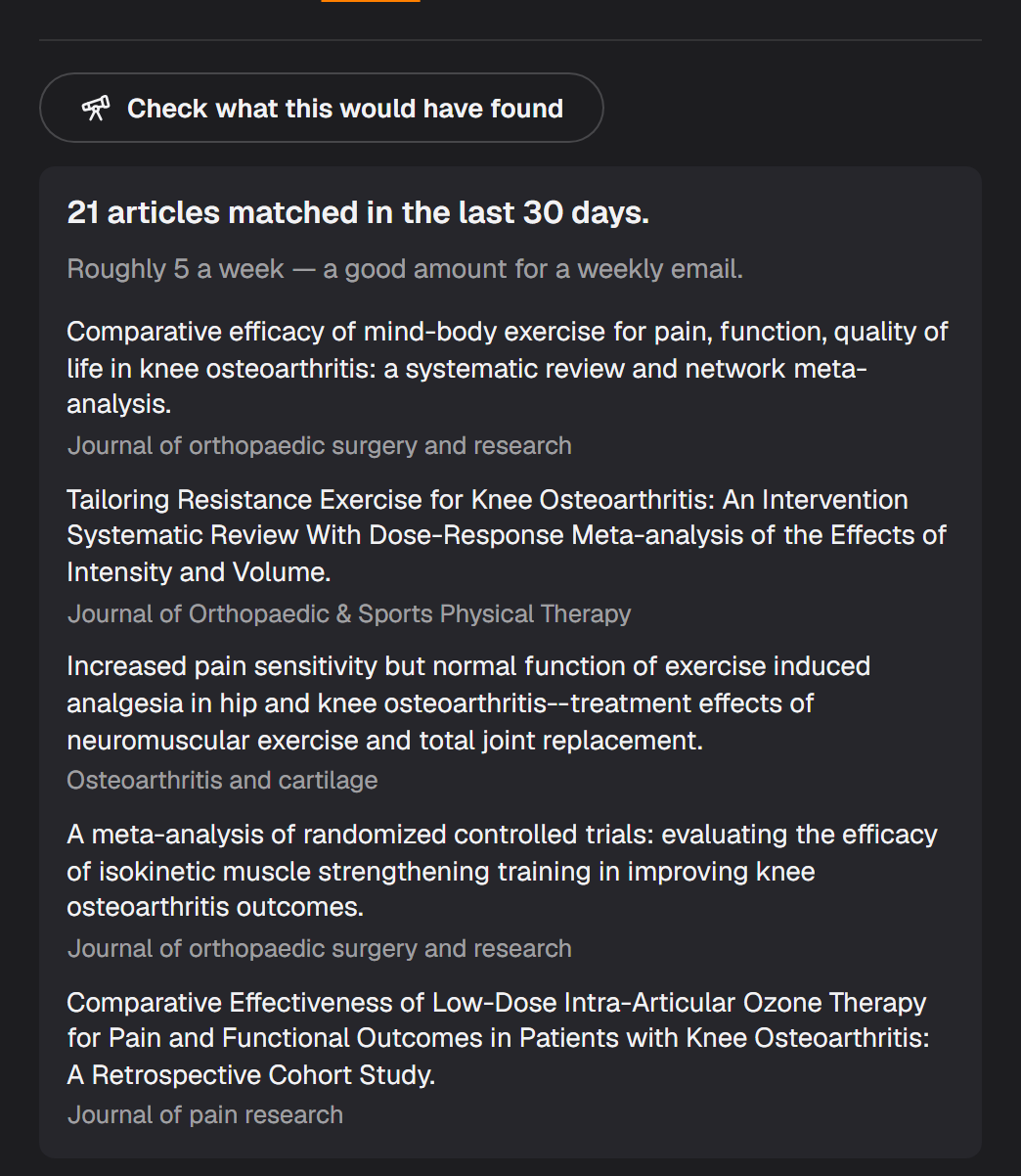
- Select Check what this would have found. This runs the recipe over the last 30 days and tells you how many articles it would have caught, with a few examples.
- Tick Email me when relevant new research is added, choose how often, and select Save search.
The check is the step worth not skipping. It is the difference between finding out now that a search is too narrow to ever fire, or too broad to be readable, and finding out in a month of inbox. It says which of those it is in plain words, and it costs nothing — no search from your allowance, no AI credits.
Choose how often you hear
Two choices, and neither sends an email when nothing matched.
- Weekly
- One digest a week, only if something matched. Recommended. Best for keeping an eye on a topic without your inbox keeping score.
- As soon as there's a match
- Checked daily. At most one email a day, and none on days with no match. Best when a paper matters to you the week it appears rather than the week after.
However many saved searches you have, one period produces at most one email, with a section for each search that found something. You can change the cadence at any time from the saved search itself.
Make the alert worth reading
An alert is only as good as the search behind it, and one thing matters more than the rest: name the treatment, not just the condition.
A search for a condition on its own matches anything that mentions it, including imaging, drug and laboratory studies. Adding what you actually do — rehabilitation, exercise, training, manual therapy — gives the ranking something to hold on to, and is the biggest lever you have over what lands in your inbox. The save dialog says so when it notices a condition with no treatment named.
Two more that help:
- Filters are part of the recipe. Study design, dates, open access and journal choices all carry into the alert, so a saved search limited to trials only ever alerts you to trials.
- Narrow beats broad for an alert. A search you would happily read the first page of is a good search to run yourself; an alert is better a little tighter, because you will read every one it sends.
Alerts also apply a relevance bar that ordinary Search does not. PhysioKeys ranks each candidate and only sends what clears it, and for a bare condition search it additionally keeps the results to rehabilitation-relevant work.
What the email contains
The email has one section per saved search that matched, each article showing its title, journal, a short extract and which of your searches it matched. Every article title links straight to it.
One email carries at most 5 articles for a single saved search, and 20 across all of them, so a busy week stays readable. Nothing is lost when a digest is capped: the rest is in the app against each saved search.
At the foot are Manage saved searches and a link to turn alert emails off. Alert emails are separate from the PhysioKeys newsletter, and turning one off leaves the other running.
See what it found without the email
You do not have to wait for an email to see what an alert is doing. Saved searches shows every search you have kept, and each card says when it was last checked, when it runs next, and how many articles it has found so far.
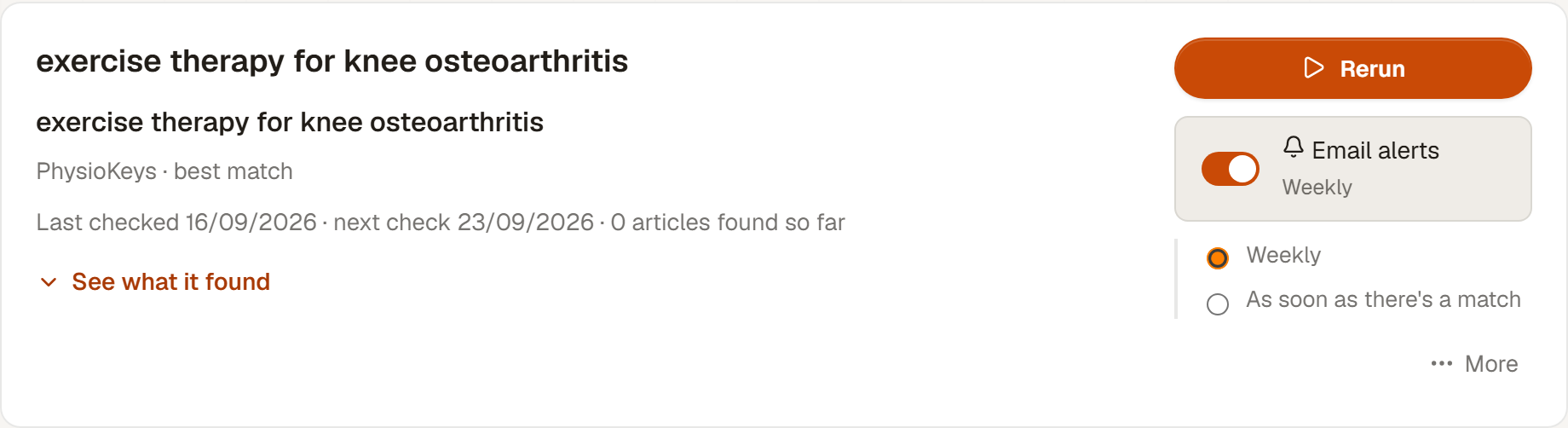
Select See what it found to open the matches underneath, newest first. Anything found since you last looked is counted in a new pill on the card and in the badge beside Saved searches in the sidebar; opening the list clears both.
Rerun, rename and delete
Rerun opens Search with the whole recipe applied — query, source, filters and sort — and searches the research available now. That is a normal search and uses one from your plan allowance.
More holds Rename and Delete. Deleting a saved search also cancels any matches it had queued, so nothing arrives afterwards from a search you removed.
Turn the emails off
Three levels, depending on how much quiet you want.
- One search
- Turn off Email alerts on that card. The search stays saved and rerunnable. Anything it had already found and not yet sent is cleared at the same time, so turning it back on later does not deliver a backlog.
- Every search
- Turn off saved-search emails for the account in Account. Each search keeps its own setting, shown but paused, and the Saved searches page offers Resume emails to lift it.
- From the email
- Use the unsubscribe link in any alert. Opening it changes nothing on its own — it asks you to confirm first — and it never touches your newsletter subscription.
Limits and what it costs
A saved search costs nothing to keep. Saving it, checking it, receiving its alerts and reading its matches are all free and use no AI credits. The one exception is Rerun, which is a normal search and uses one from your allowance.
| Plan | Saved searches | Searches |
|---|---|---|
| Free | 3 | 300 in total |
| Student | 20 | 750 a month |
| Pro | 20 | 1,500 a month |
On the Free plan you can keep 3 saved searches at a time. If a paid plan ends while you have more than that, nothing is deleted: the oldest stay usable, the rest are marked Plan locked and can still be seen and deleted. Pricing has what each plan costs.
Common questions
Will PhysioKeys email me every day?
No. Both cadences only send an email when something matched. The weekly option gathers a week's matches into one email; the other option checks every day and emails you the same day, at most once a day. A realistic search matches nothing on most days, so most days bring no email at all.
What counts as new research?
An article that is newly added to the PhysioKeys library, rather than newly published anywhere. PhysioKeys indexes physiotherapy and rehabilitation journals continuously, and an alert covers what arrived since it last checked, so a study published last month still counts as new to you if PhysioKeys added it this week.
Do alerts search PubMed as well?
No. Alerts only cover research in the PhysioKeys library, even when the saved search itself used PubMed as its source. Rerunning that saved search still searches PubMed; it is the email that is limited to papers PhysioKeys has added and can rank for relevance.
Do saved searches or alerts use AI credits?
No. Saving a search, checking what it would have found, receiving alert emails and reading the matches in the app are all free and use no AI credits. Only rerunning a saved search costs anything: that runs a normal search and uses one search from your plan's allowance.
Why has my alert not found anything?
Usually because the search is narrow, which is not a fault. A saved search card shows when it was last checked, when it will next run, and how many articles it has found so far, so a quiet alert is easy to tell apart from a broken one. If it has found nothing at all, widen the wording or remove a filter, and use the check in the save dialog to see what it would have caught recently.
How do I stop the emails?
Three ways, depending on how much you want to stop. Turn off the switch on one saved search to silence that search only; turn off saved-search emails for your whole account in Account settings or from the banner on the Saved searches page; or use the unsubscribe link at the foot of any alert email, which asks you to confirm before it changes anything. None of them deletes your saved searches, and none of them affects the PhysioKeys newsletter.