What the CPD log records
The CPD log turns the research you do in PhysioKeys into a dated record of your professional development. It lists the questions you asked, the papers you saved and the notes you wrote, day by day, with the references behind each one.
You add the part only you can write: a reflection on each entry, the time you spent, and a summary of the period. Then you export the whole record as a Word document, or print it to PDF.
There is nothing to set up. Your activity is recorded as you work, so the first time you open the log, the months behind you are already in it. It is useful wherever you have to show what you learned and what you did with it:
- A CPD portfolio for renewing your registration, with the evidence for each activity already listed beside it.
- Appraisal and supervision, where you are asked what you read and what changed in your practice.
- Placement and course portfolios, where reflective writing is part of the mark.
- Your own record of how your thinking on a topic developed over a year.
The record is private to your account. You compile it and decide what it is for; PhysioKeys does not review or assess it.
Choose a period
- Open CPD log from the sidebar, under Tools. It opens on the last 12 months.
- Choose a preset — Last 12 months or Last 24 months, or the current calendar year — or type your own dates in From and To.
- Select Update. Everything below it, and anything you export, covers exactly the dates now shown.
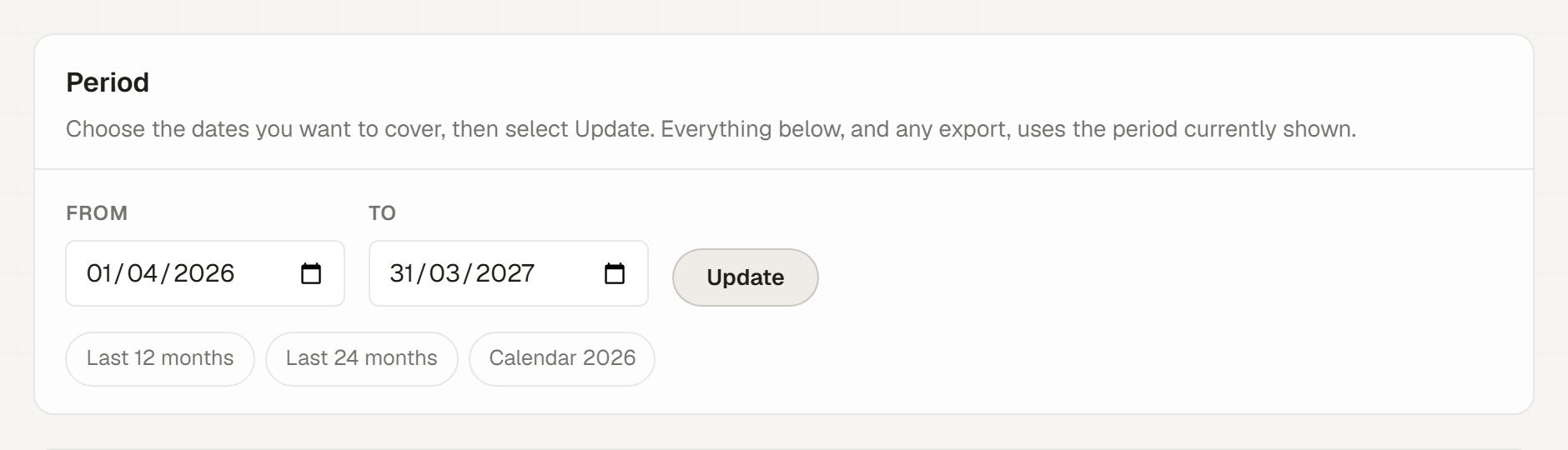
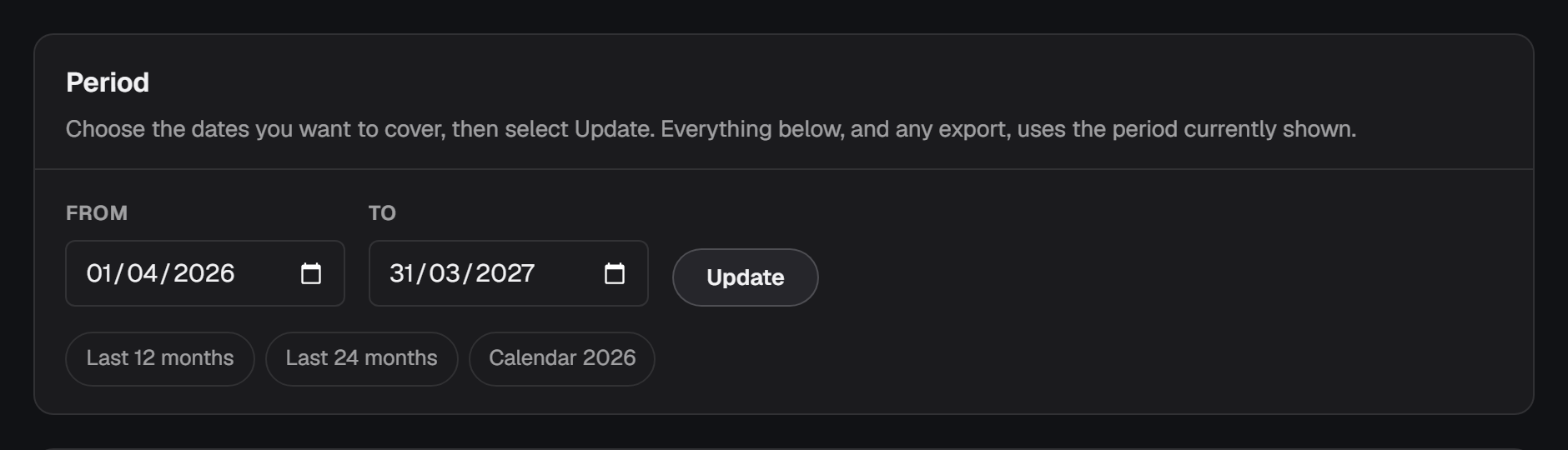
Registration periods differ, so the presets are starting points. If yours runs from a set date each year, type those dates. A single period can cover up to 2,200 days, which is long enough for a multi-year cycle.
Read your entries
The log is grouped by day, newest first. There are three kinds of entry, each labelled on its card:
- Question asked
- One entry per conversation, dated by its first question. Later questions in the same conversation are listed under it as follow-ups, each with the start of its reply, and the papers the replies cited are listed once underneath.
- Article saved
- One entry per paper you saved, dated the day you saved it, with its reference and whether your library has it as Reading or Saved.
- Note written
- One entry per note, dated the day you created it, with the papers linked to that note as its references.
A question entry also says where you asked it: Research Chat for a question from the Chat tab, or AI assistant for the assistant elsewhere in the app. Treating a conversation as one entry keeps the record readable: a follow-up such as “what doses did they use?” means little on its own, and under the question it followed, it reads as the line of enquiry it was.
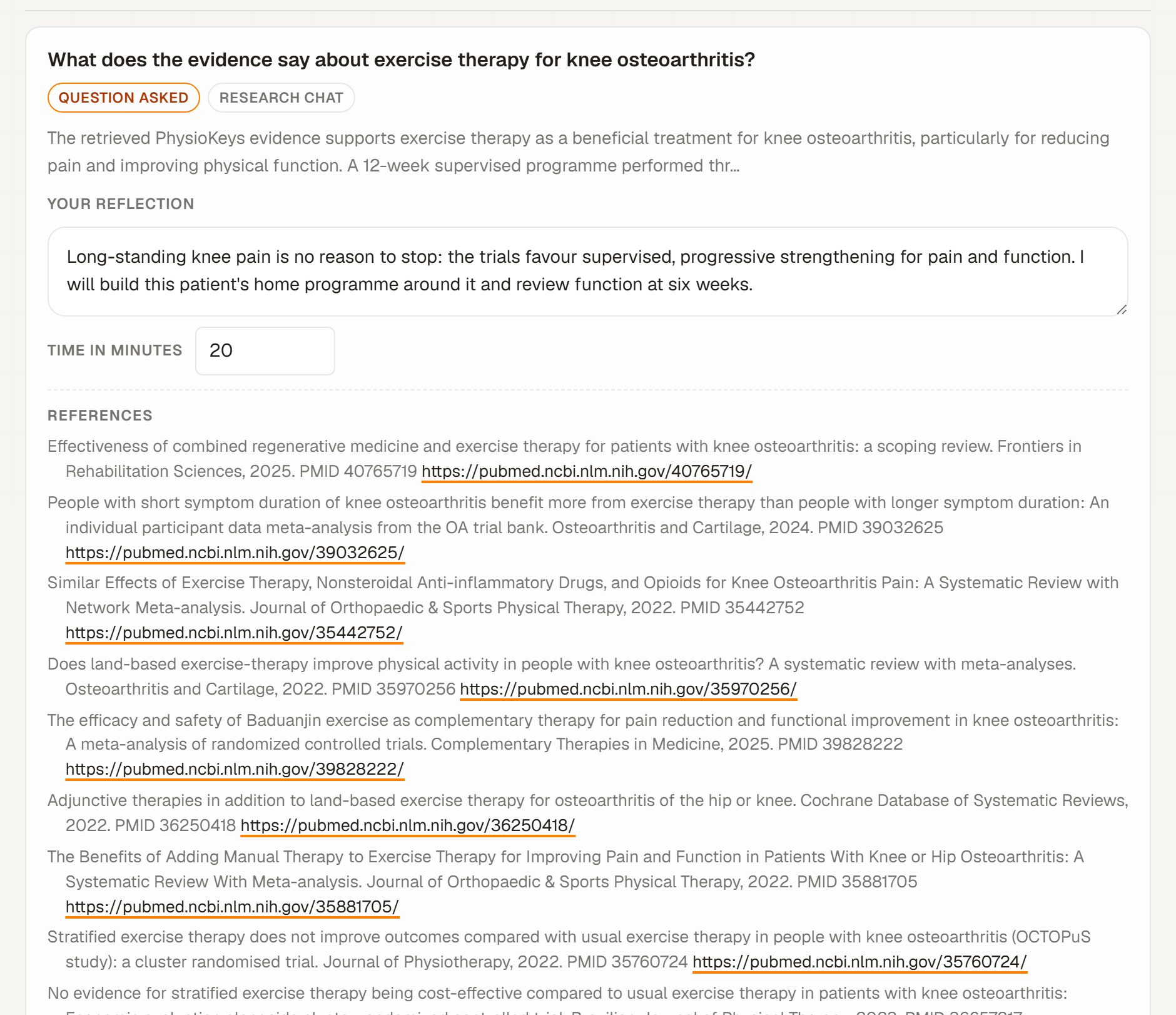
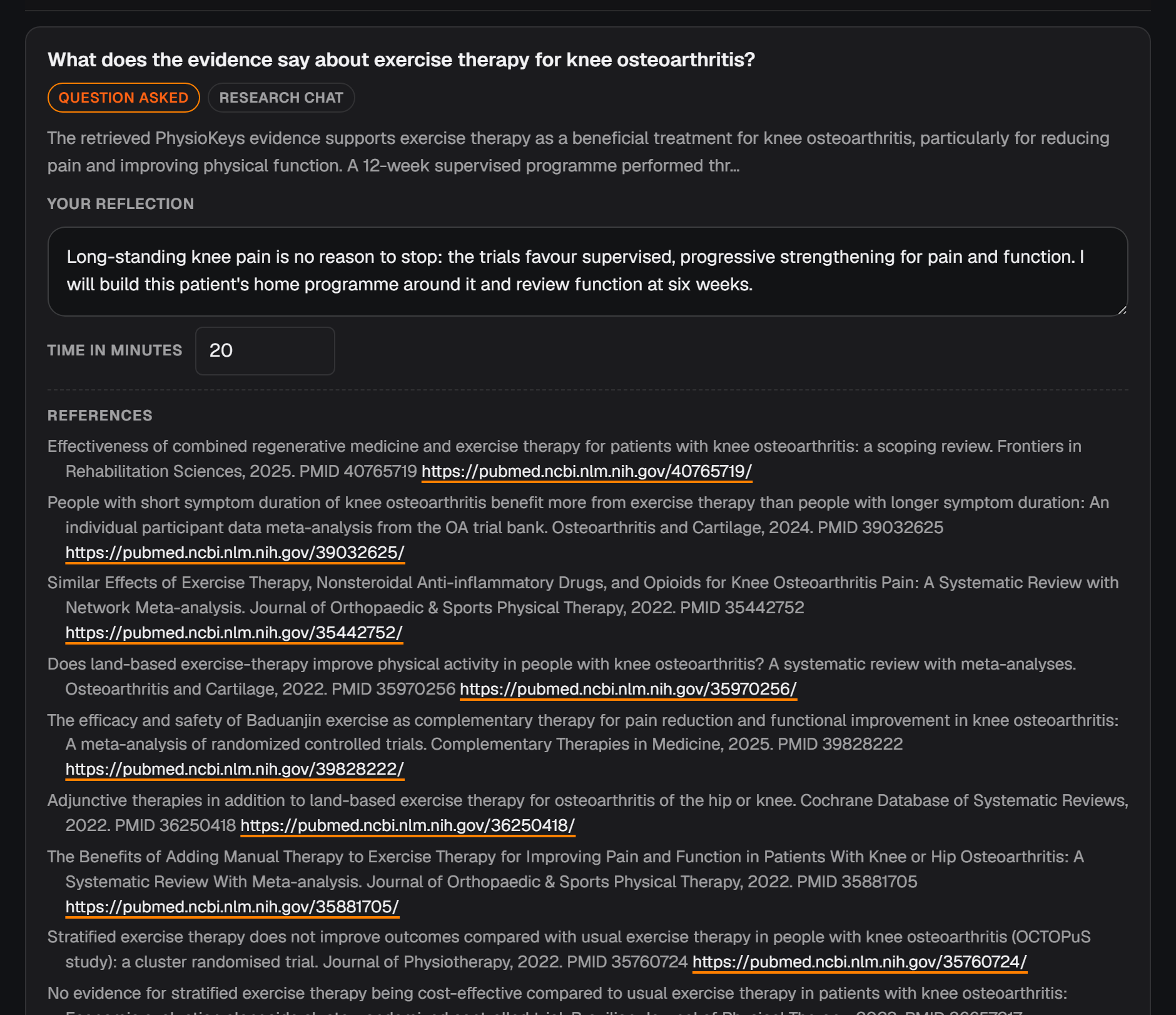
A conversation that carries on across periods appears in each one, with only the questions that fall inside the dates shown. Its time is counted once, where the enquiry began, so later periods show it as counted with the start of this enquiry, in an earlier period.
Add a reflection and your time
- Under an entry, write in Your reflection. The box asks what you took from it and what you will do differently, a common shape for reflective writing.
- If you want the time counted, type it in Time in minutes.
- Click anywhere outside the box. The entry saves itself and shows Saved.
Time is only ever what you type: whole minutes, up to 1,440 for one entry. An entry with a time reads “20 min (self-reported)”; one without reads “not stated”, never zero. The total at the top says how many entries it covers, so a figure from a few entries is never mistaken for the whole period.
A reflection belongs to the conversation, not the day, so it stays attached when you add a follow-up to an old conversation later.
Write a summary for the period
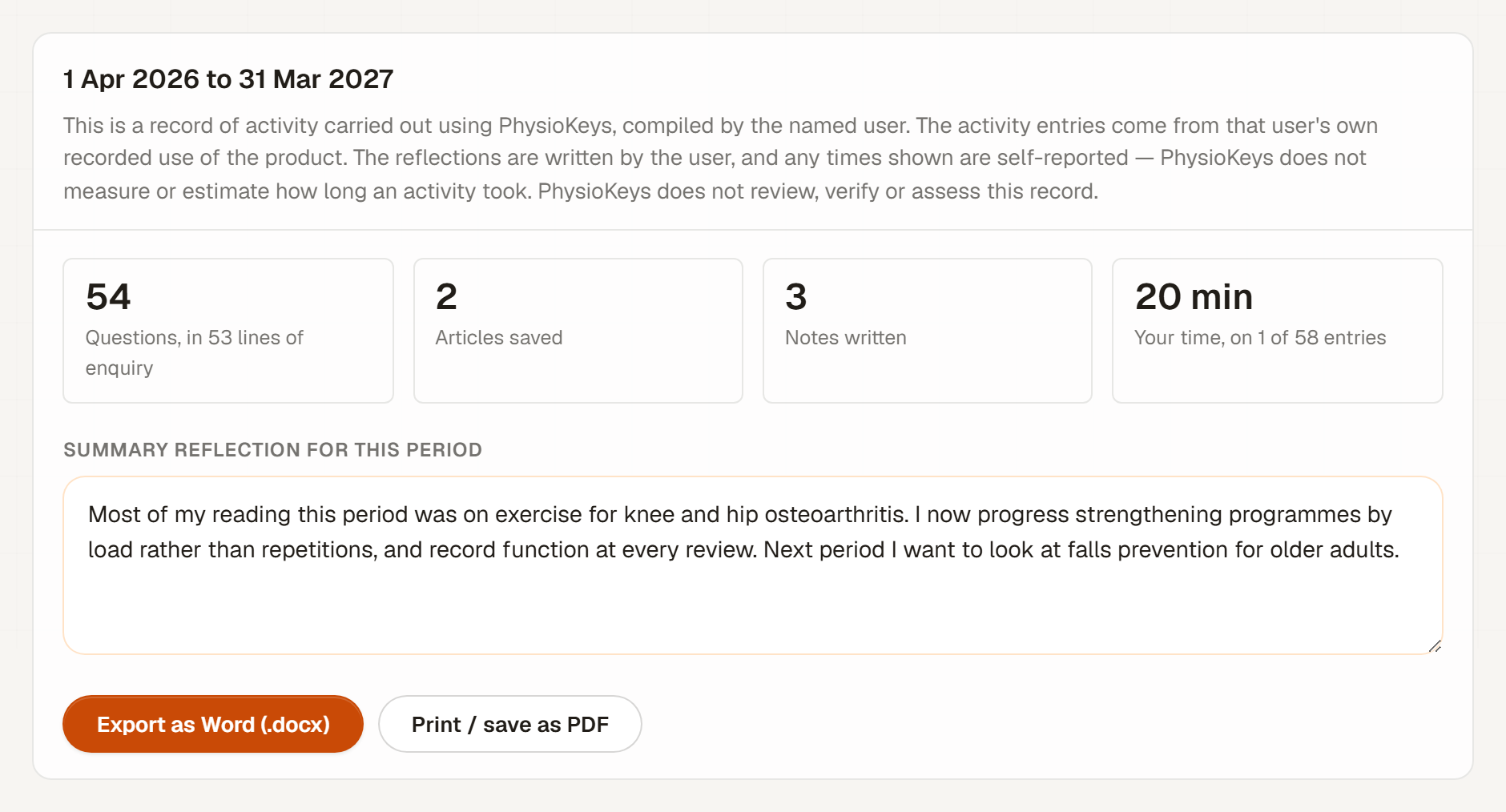
Above the entries, the period shows its totals and a box for Summary reflection for this period: looking across the whole stretch, what changed in your practice, and what you will focus on next. It saves the same way, when you click away.
Export or print the record
Two ways to take the record with you, both covering the dates shown.
- Export as Word (.docx)
- Downloads an editable document named like
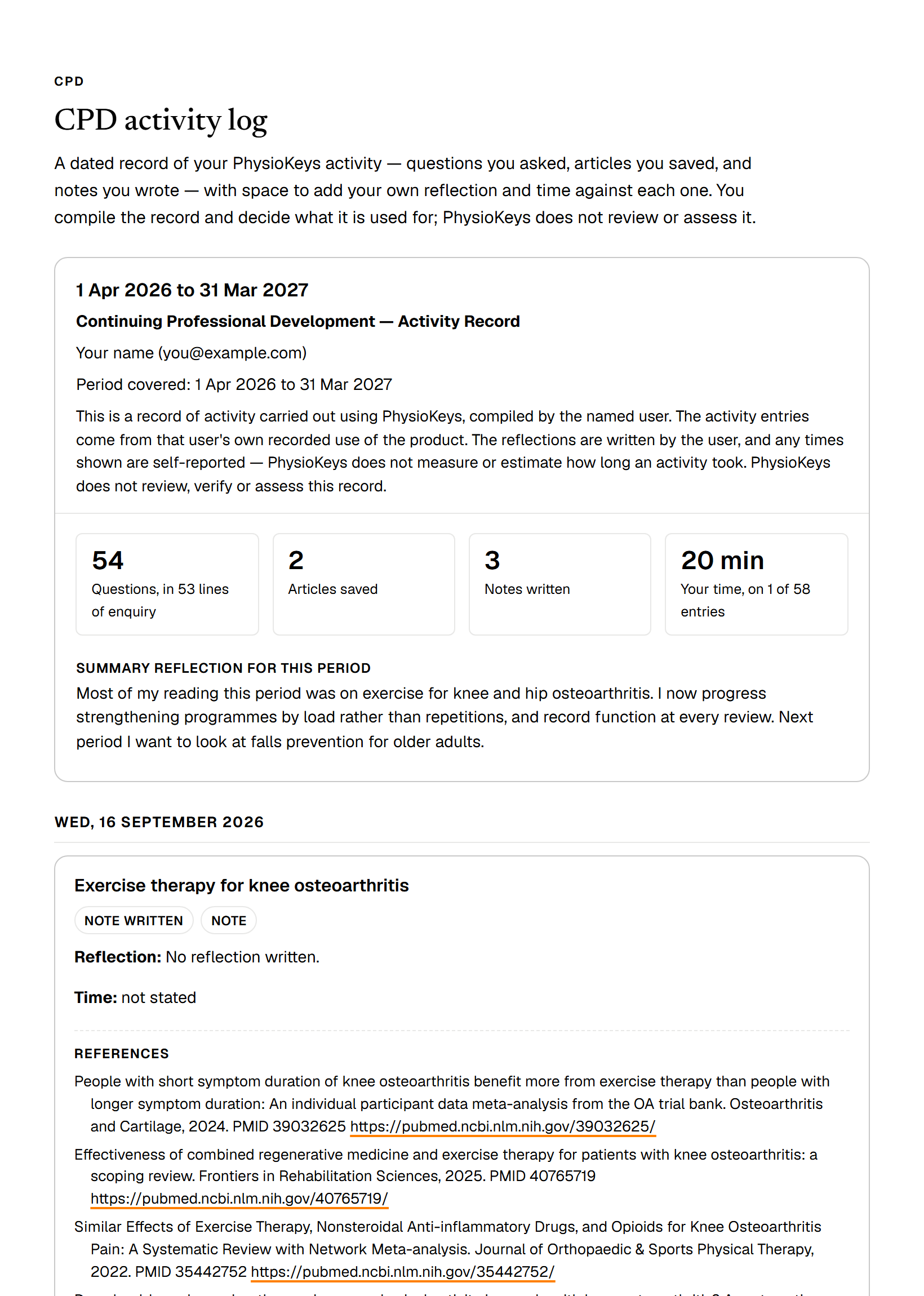
physiokeys-cpd-record-2026-04-01-to-2027-03-31.docx. It opens with the title “Continuing Professional Development — Activity Record”, your name, the period and the statement below, then a summary of activity and your period summary, and starts the activity log on a new page, each entry with its reflection, time and references. - Print / save as PDF
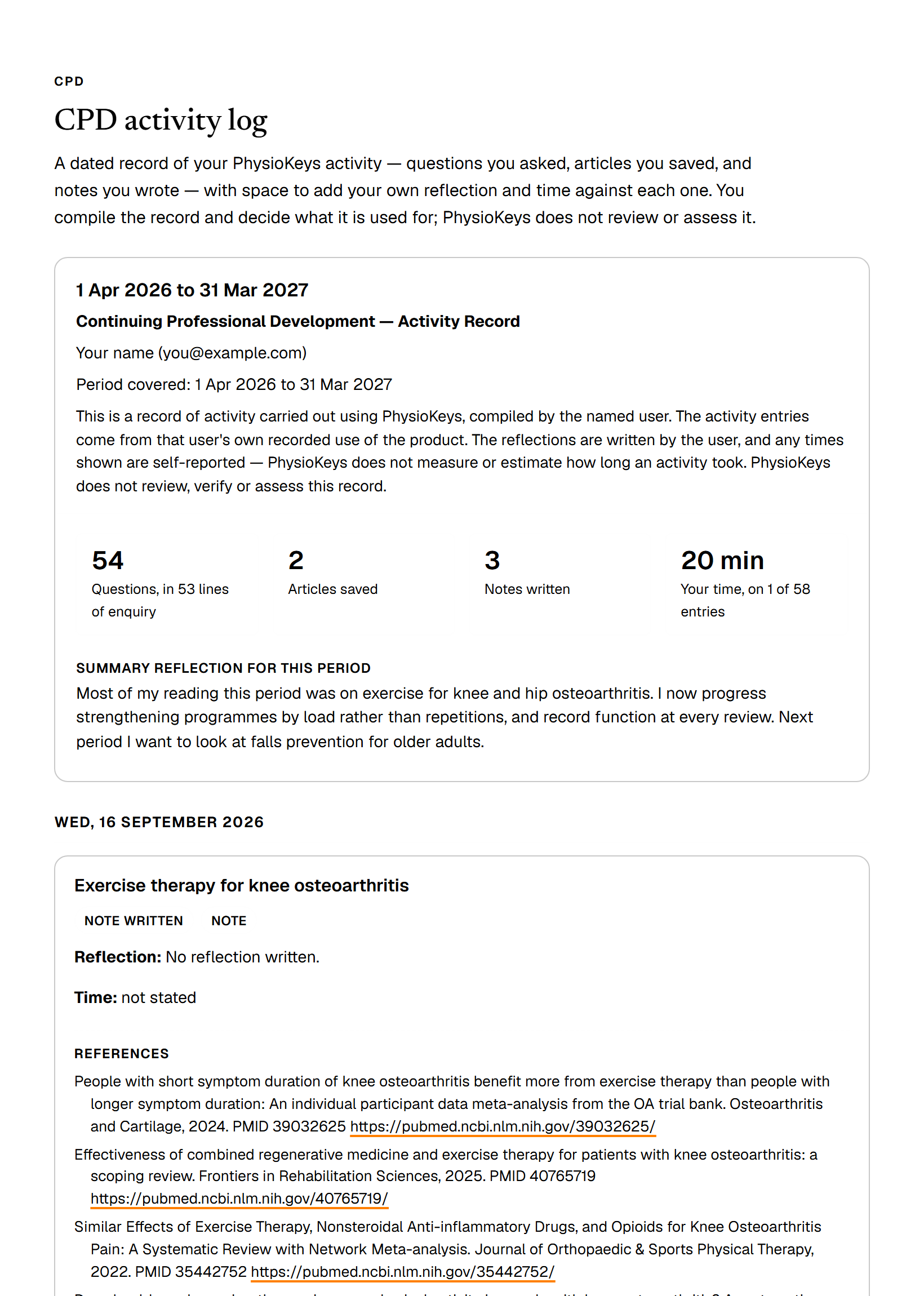
- Opens your browser's print window; choose Save as PDF for a file. The printed version drops the app around the record, prints every reflection in full, and puts your name at the top.
Both wait for anything you were still typing to save, and refuse if a reflection could not be saved, so the record never leaves without something you wrote. Fix the entry showing the error, then try again.
Every record carries this statement, on screen and on paper:
This is a record of activity carried out using PhysioKeys, compiled by the named user. The activity entries come from that user's own recorded use of the product. The reflections are written by the user, and any times shown are self-reported — PhysioKeys does not measure or estimate how long an activity took. PhysioKeys does not review, verify or assess this record.
What the record shows, and what it doesn't
The log is exact about what it knows, and says so where it does not.
- Only what PhysioKeys recorded. If a period starts before your first recorded activity, the page and the export both say so, because an empty stretch there is not evidence that nothing happened.
- Saved, not read. An article is dated the day you saved it. PhysioKeys does not record when you read one, so the log does not claim you did.
- No searches. A search on its own is weak evidence next to a question asked, a paper saved or a note written, so it is left out.
- Removed activity leaves. Conversations you delete and notes in Trash are not in the log. Export before you tidy up.
The CPD log is on every plan, including Free, and reading, reflecting and exporting use no searches and no AI credits. To add to the record, keep working as usual: ask in Chat, save from Search, and write in Notes.
Common questions
Will this CPD log be accepted for my registration?
PhysioKeys cannot tell you that and does not claim it. The log is a record you compile from your own activity, with reflections and times you write yourself, and PhysioKeys does not review, verify or assess it. Check what your own registration asks you to keep, and use the exported record as evidence wherever it fits.
Does PhysioKeys track how long I spent on each activity?
No. PhysioKeys does not measure or estimate time. The only times in the log are the ones you type, each is labelled self-reported, and an entry without one says not stated rather than zero. The total always says how many entries it covers.
Can I set the dates to match my own CPD period?
Yes. Type any start and end date and select Update; the presets are only starting points. Everything on the page and in any export then covers exactly those dates. A period summary belongs to the dates it was written for, so use the same fixed dates each time you come back to it.
Why does my record have gaps?
The log only holds activity PhysioKeys recorded. If a period starts before your first recorded activity, the page and the exported record both say so, because an empty stretch there is not evidence that nothing happened. Conversations you delete and notes you move to Trash also leave the log.
Are searches and articles I read included?
Searches are not included: the log lists questions you asked, articles you saved and notes you wrote. Articles appear on the day you saved them, labelled Reading or Saved as in your library. PhysioKeys does not record when you read an article, so the log never claims that you did.
Is the CPD log included in the Free plan?
Yes. The CPD log, reflections, the Word export and printing are available on every plan, including Free, and none of them uses a search or any AI credits.